The 7 Things a Local Service Website Actually Needs
Your trade and towns up top, a call button, your services, your service area, real photos, real reviews and proof you're legit. Here's what each one needs.


On this page
- The short answer: seven things, in this order
- 1. What you do and where, before anyone scrolls
- 2. A call button that's always there
- 3. Your services, in the words customers use
- 4. The towns you serve, by name
- 5. Real photos of your own work
- 6. Real reviews, where people can see them
- 7. Proof you're legit
- What you can skip
- The one thing a website can't do
- The bottom line
- FAQ
Quick answer
Seven things: what you do and where, right at the top; a tap-to-call button on every page; a plain list of your services; the towns you serve; real photos of your own jobs; real reviews; and proof you're legit, like your license number and the same business name and phone number you use on Google. And it has to work well on a phone. Almost everything else is optional.
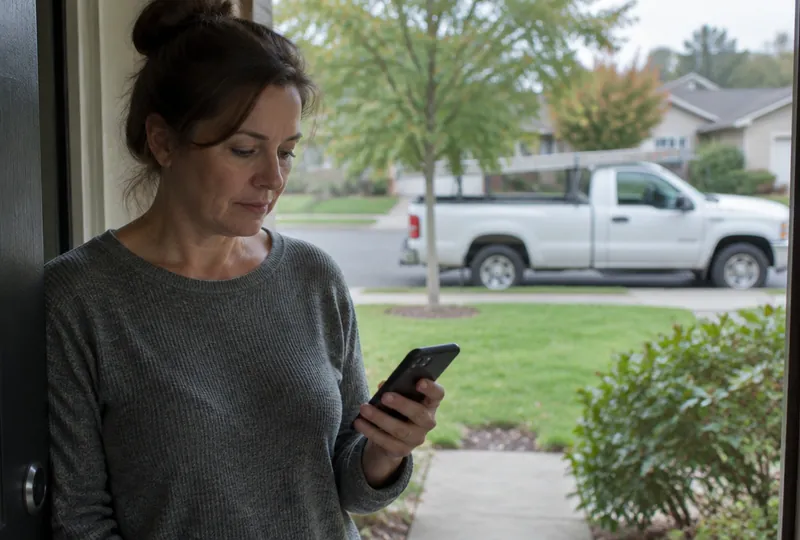
A homeowner has water coming through the kitchen ceiling. She searches, taps the first local result, and lands on your site.
She's looking for three things: do you do this, do you come to her town, and how does she call you. If those take more than a few seconds to find, she taps the next company.
Here's what a site needs to win those few seconds.
The short answer: seven things, in this order
- What you do and where, at the top
- A tap-to-call button on every page
- Your services, in plain words
- The towns you serve
- Real photos of your own work
- Real reviews
- Proof you're legit
And all of it has to work on a phone first. Pew Research found that 91% of U.S. adults own a smartphone.1 Google also uses the mobile version of your site when it decides how to index and rank it.2 Check your site on your own phone before you look at it on a computer.
1. What you do and where, before anyone scrolls
The top of your home page has one job: tell a stranger they're in the right place.
"Quality You Can Trust" doesn't do that. "Water heater and drain repair in Round Rock, Pflugerville and Georgetown" does. Put your trade, your main towns and your phone number where nobody has to scroll to see them.
2. A call button that's always there
On a phone, your number should be a button. One tap, your phone rings. Put it at the top of every page.
Add a second way in, like a short form or a text option, for the customer who finds you at 10pm and won't call a stranger that late.
3. Your services, in the words customers use
List the jobs you do, in the words your customers would type. Google's own advice to site owners is to think about the words a user might search for to find your content.3
So write "toilet repair," not "residential plumbing solutions." Write "roof leak repair," not "exterior envelope services."
Give each service you want more of its own short section or page, and put the jobs you want first. If you'd rather do repipes than unclog sinks, don't lead with drains.
4. The towns you serve, by name
"Serving the greater area" tells nobody anything. Name your towns, and the neighborhoods people actually say out loud.
A customer in Hutto sees "Hutto" and stops wondering whether you'll drive out. It also tells search engines where you work. Google says its local results are mainly based on relevance, distance and popularity, and that businesses with complete and accurate information are more likely to show up in local search.4
Keep the list honest. If you won't drive 45 minutes for a faucet swap, don't list the town 45 minutes away.
5. Real photos of your own work
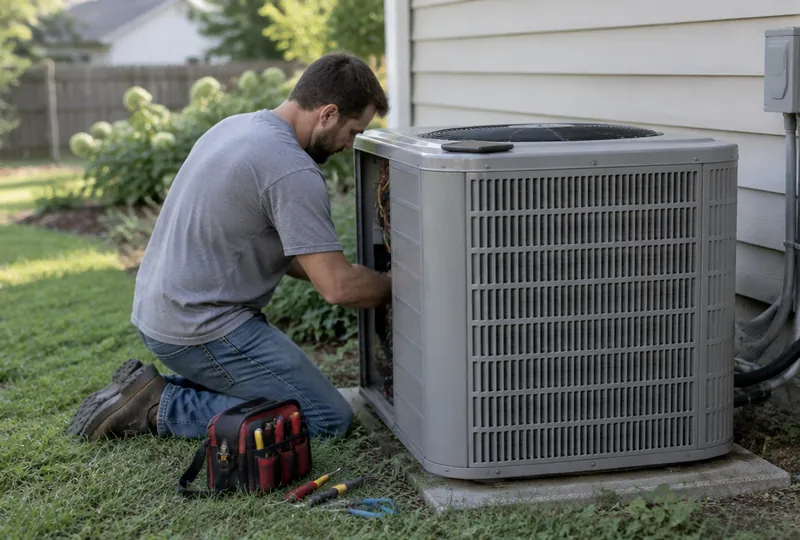
Your phone camera is enough. Take a before and after on every decent job, and get your truck and crew in a few.
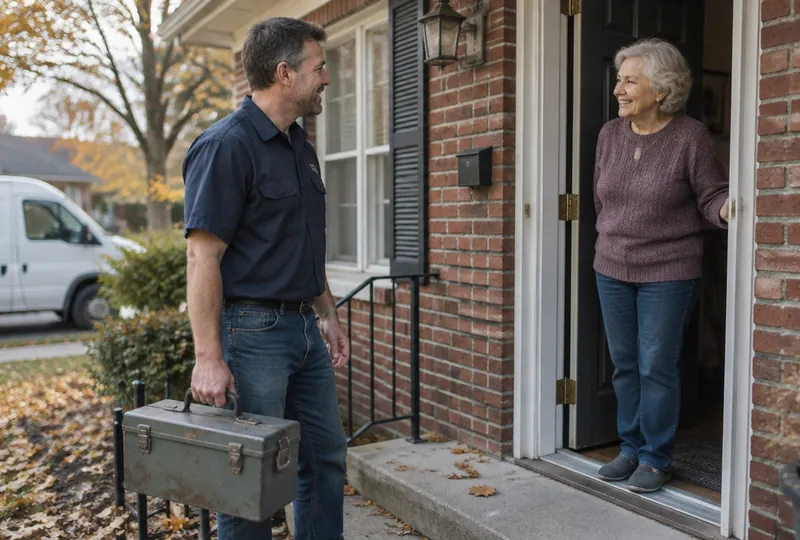
Real photos answer what every homeowner wonders before letting a stranger in: who is actually going to show up? A smiling model in a clean hard hat answers nothing. Leave out house numbers and faces unless the customer says it's fine.
6. Real reviews, where people can see them
People don't check just one place. In BrightLocal's 2025 survey, 74% of consumers said they use two or more websites to read reviews before choosing a local business.5 Your site should be one of them.
Put a handful of your best real reviews on the home page, and link to your Google reviews so people can read the rest.
Every review on your site has to be real. Google's policy says reviews should reflect a real experience with the business, and fake engagement isn't allowed and gets removed.6 Short on reviews? Ask every customer.
7. Proof you're legit
A homeowner letting you in wants to know you're a real business. Show them:
- Your license number, if your trade and state require one.
- That you're insured.
- The owner's name, and how long you've been at it.
- The same business name, phone number and address you use everywhere else.
That last one matters more than it sounds. Google's guidelines say your business name should reflect your real-world name, as used consistently on your storefront, website, stationery, and as known to customers.7 If your site says one name and your Google profile and truck say another, customers notice and so does Google.
Here's a message you can send to whoever runs your website now:
Hi [Name], can you check a few things on our site? 1) Our trade, main towns and phone number are at the top of the home page. 2) There's a tap-to-call button on every page on a phone. 3) Each service we offer is listed in plain words. 4) Our service towns are listed by name. 5) Our license number and business name match our Google profile exactly. Let me know what's missing. Thanks!
What you can skip
You don't need a slideshow, a mission statement, a blog you'll never update, or ten pages. You do need the site to load fast. Google says its core ranking systems look to reward content that provides a good page experience.8 A customer with water on the floor won't wait.
If you're pricing out a site that has all seven, our guide on what a contractor website should cost breaks down the options. And if you're still not sure you need one at all, start with do I need a website if I get my work from word of mouth?
The one thing a website can't do
A website can get someone to tap your number. It can't answer the phone.
If that tap goes to voicemail while you're on a roof, you just paid to send a customer to your competitor. Read what happens when you miss a call from a new customer, and make sure every call that comes from your site gets answered or a text back in minutes.
The bottom line
Trade and towns at the top. A call button everywhere. Your services, your towns, your photos, your reviews and your license, all real and all easy to find on a phone. Get those seven right and you can skip most of the rest.
Frequently asked questions
How many pages does my website need?
Fewer than you think. A strong home page plus a short page for each service you want more of is plenty for most trades. One page that has all seven things beats ten pages that bury them.
Should I put my prices on my website?
It's your call. Some owners post a starting price or trip charge to weed out tire-kickers. If you leave prices off, say how quoting works, like "free estimates in Round Rock and Georgetown."
Do I need a contact form, or is a phone number enough?
Have both if you can. The phone number is for the person standing in a flooded laundry room. The form or a text option is for the person who found you at 10pm and doesn't want to call. Either way, somebody has to answer fast.
Can I use stock photos until I have my own?
We'd skip them. Customers can spot a stock photo, and it makes them wonder what else isn't real. Five honest phone photos of your own jobs do more.
Will doing all seven get me to the top of Google?
No one can promise that. Google says local results are mainly based on relevance, distance and popularity. These seven things help Google understand what you do and where, and they help the people who do find you decide to call.
Sources
- Pew Research Center (2025). Mobile Fact Sheet. pewresearch.org
- Google Search Central. Mobile site and mobile-first indexing best practices. developers.google.com
- Google Search Central. SEO Starter Guide. developers.google.com
- Google Business Profile Help. Tips to improve your local ranking on Google. support.google.com
- BrightLocal (2025). Local Consumer Review Survey. brightlocal.com
- Google Maps User Contributed Content Policy. Prohibited and restricted content. support.google.com
- Google Business Profile Help. Guidelines for representing your business on Google. support.google.com
- Google Search Central. Understanding page experience in Google Search results. developers.google.com
Last updated
This article was drafted with AI assistance and edited by the AtlasBooked team, who checked its facts and sources before publishing.
Field Notes is the AtlasBooked team's plain-English guide for local trades: websites, missed calls, reviews and local search. Articles are drafted with AI assistance and edited by the AtlasBooked team before publishing. Sources are linked at the end of each article.